HomeGet Started with QuickBooks › Capture receipts by phone in QuickBooks

Capture receipts by phone in QuickBooks

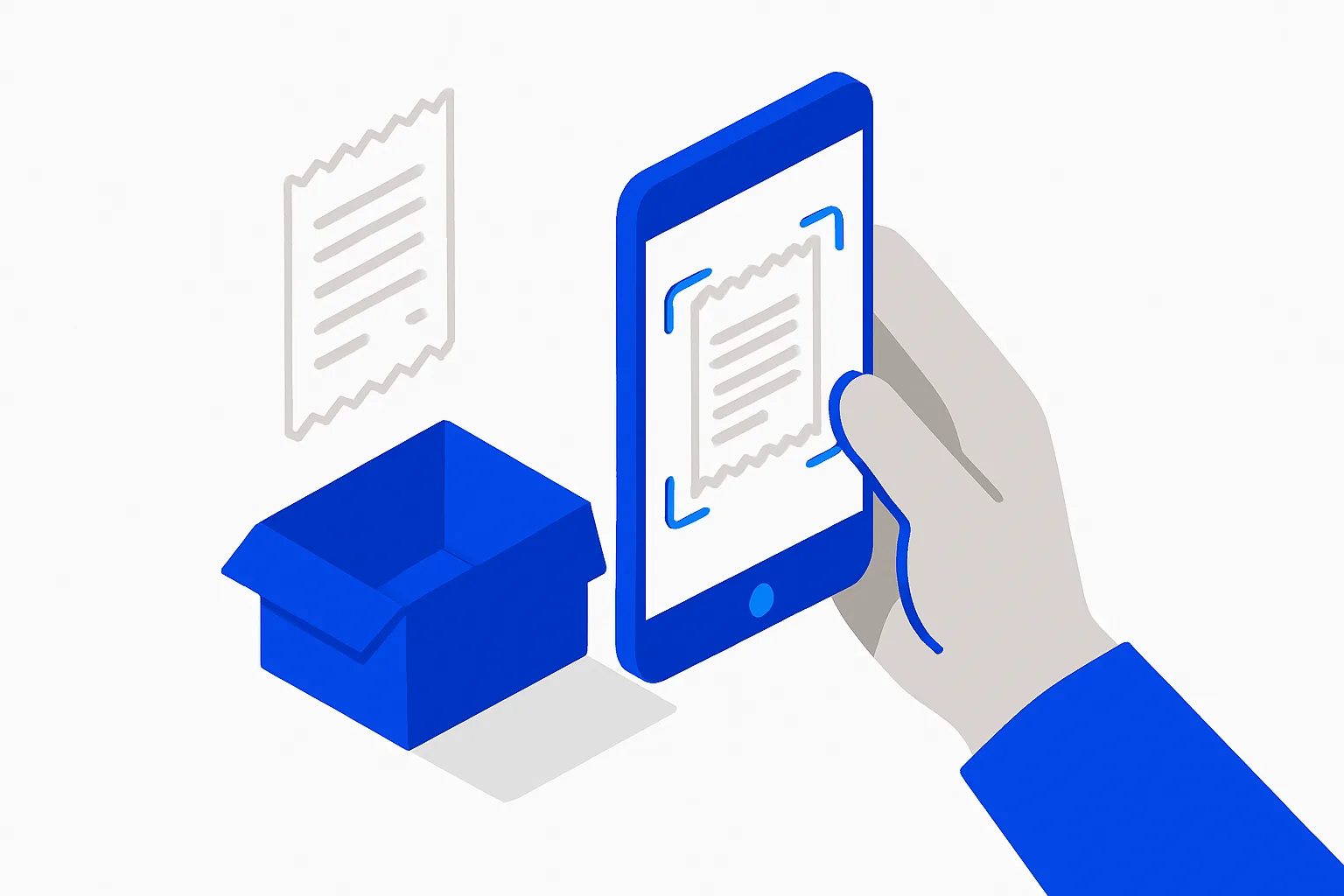
Snap a photo of every receipt with the QuickBooks mobile app so expenses attach to transactions and your shoebox of paper disappears.

Updated Jul 31, 2026 ·
Capture receipts by phone in QuickBooks

Why this matters

Receipts are your deduction proof and your audit defense — and paper ones fade, vanish, and pile up. In an audit, expenses you cannot document can be disallowed. Snapping receipts the moment you get them turns a year-end shoebox crisis into a two-second habit.

What "done" looks like

  • The QuickBooks mobile app is installed and signed in to your company
  • Receipts are snapped at purchase time and matched to bank transactions
  • Email receipts are forwarded in automatically instead of downloaded and uploaded
  • There is no paper pile waiting for "later"

How to do it

  1. Install the QuickBooks mobile app and sign in.
  2. Snap every paper receipt at the register — QuickBooks reads the vendor, date, and amount from the photo and drafts the transaction.
  3. Review and match: in Transactions → Receipts, confirm details and match each receipt to the imported bank transaction so it attaches instead of duplicating.
  4. Register your email for receipt forwarding so digital receipts (cloud services, ads, travel) flow in with a simple forward.
  5. Note the business purpose on meals and travel receipts — purpose is what the IRS actually asks about, not just the amount.

Common mistakes

  • Saving receipts to the camera roll "to enter later" — later never comes
  • Adding a receipt and separately accepting the bank-feed line, creating duplicates instead of matching
  • Skipping cash receipts; cash has no bank trail, so the receipt is the only record

Real-world examples

  • IRS guidance (Publication 463) generally requires documentary evidence for expenses of $75 or more, and for all lodging.
  • QuickBooks' documented receipt-capture flow extracts data from a photo and matches it to bank-feed transactions — the feature exists so the shoebox does not have to.

From a founder's point of view

The receipt habit is entirely about latency: five seconds at the counter, or an hour of forensic accounting in April. Attach it once at purchase and the audit file builds itself as a side effect.

Rule of thumb

If the receipt was not snapped before you left the parking lot, assume it is gone. Capture at the moment of purchase, every time.


Our guides are researched and reviewed from multiple angles, including AI tools, primary sources, and experienced founders. They are general information, not professional advice. Please verify important details yourself or with a qualified professional.

Stop reading. Start checking it off.

"Capture receipts by phone in QuickBooks" is a live step inside FoundersCheckList.AI, seeded into your checklist, tracked, and pushed forward by an AI coach that reads your real progress.

Don't just read it, check it off.

This step lives inside a working checklist, with an AI coach pushing you through it.

Start for free →
Free plan available · No credit card required
Keep exploring

Related across the site

News2026: 100% bonus depreciation permanent, Section 179 cap $2.56MIf you are buying equipment, machinery, vehicles, or off-the-shelf software, you can write off the full cost in year one instead of depreciating it over years — a meaningful cash-flow boost in a build-out year. Because 100% bonus depreciation is now permanent, you no longer have to rush purchases to beat a phase-out deadline, so time buys around actual business need. Coordinate Section 179 and bonus depreciation with your CPA to maximize the deduction against your taxable income.NewsIRS interest rate climbs to 7% for Q3 2026 underpayments and refundsUnderpaying quarterly estimated taxes now costs 7% annualized, so recompute your Q3 estimate (due Sept 15) and top up withholding to hit a safe-harbor payment and avoid the higher penalty.NewsRetail rents hit $24.79/sq ft in Q2 2026 as availability stays tight at 4.9%For a retail, restaurant, or storefront business, expect little bargaining power on rent and few vacancies in prime corridors, so budget higher occupancy costs and start your space search early. Strip-center closures mean some second-generation spaces (already built out) are opening up, which can cut your fit-out costs, worth targeting over raw new construction. Sun Belt metros still have the most new inventory if you need choice.ToolAcuity SchedulingAcuity Scheduling (a Squarespace product) is an online appointment-booking tool geared toward service businesses, handling bookings, intake forms, payments, and packages.ToolFreshBooksFreshBooks is cloud accounting and invoicing software aimed at freelancers and service-based small businesses, with strong time tracking, expenses, and client billing.ToolGustoGusto runs full-service payroll for US businesses, handling paychecks, tax filing, and direct deposit, plus benefits, onboarding, and contractor payments. It automates federal, state, and local payroll tax compliance.