Why this matters
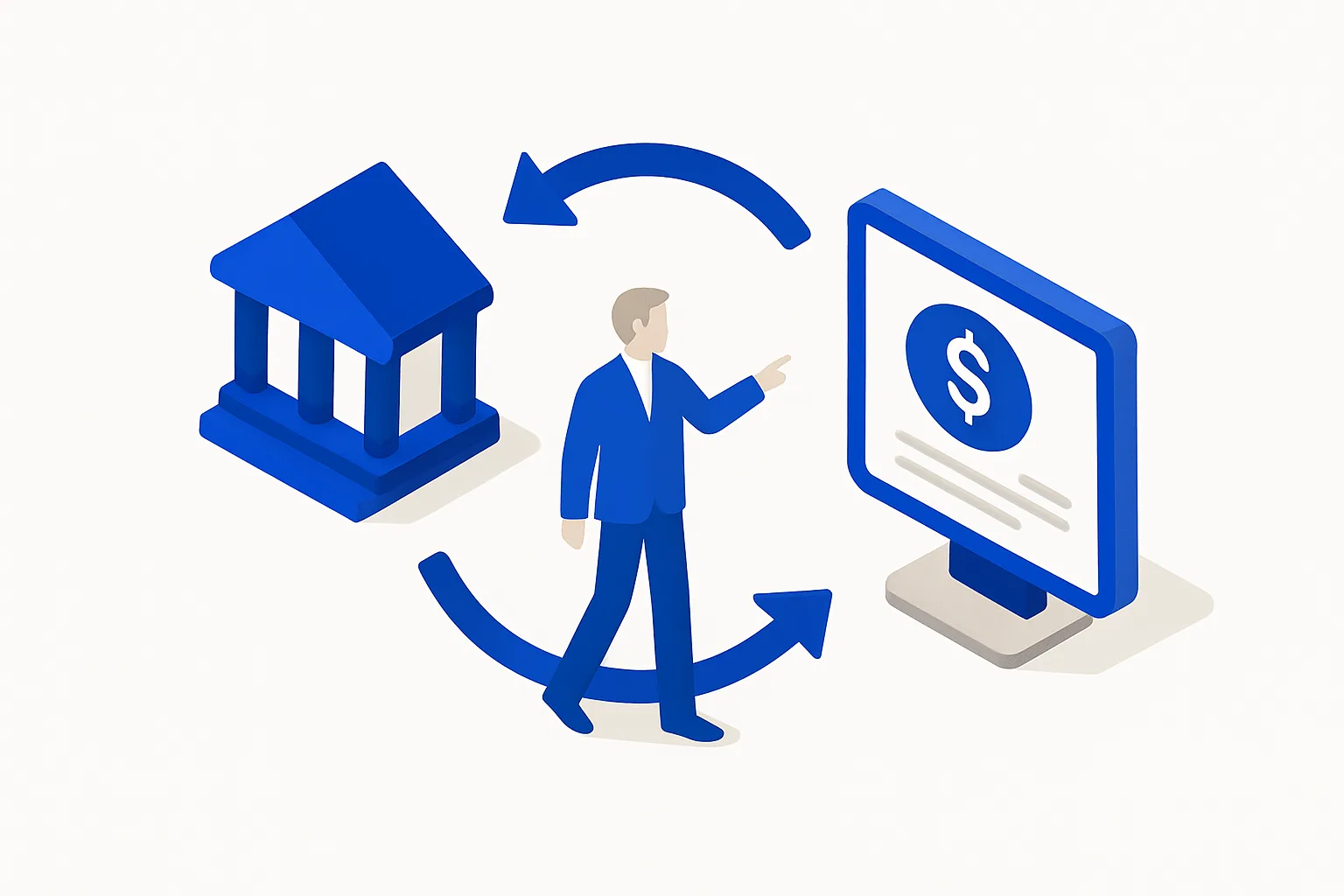
Manual transaction entry is where bookkeeping habits go to die, typos, gaps, and a backlog you will dread. Bank feeds import every transaction automatically, so your books reflect reality daily. This one step makes everything after it, rules, receipts, reconciliation, work.
What "done" looks like
- Every business bank account and credit card is connected and importing
- The imported history reaches your books' start date, or you uploaded the gap
- New transactions appear in For Review within a day or so
- No personal accounts are mixed into the connection
How to do it
- Open Transactions → Bank transactions → Link account and sign in to your bank through the secure connection.
- Connect every business account, checking, savings, and each business credit card.
- Check the imported date range. Feeds typically pull only the recent past (around 90 days at many banks); if your books start earlier, upload older transactions via CSV.
- Verify the opening balance matches the real bank balance on your start date so reconciliation works.
- Review the feed weekly: accept, categorize, or match items in For Review rather than letting them stack up.
Common mistakes
- Connecting the bank but never processing For Review, imported is not booked
- Linking a personal card "temporarily" and polluting the books with commingled spending
- Ignoring a broken feed; reconnect and backfill the moment it fails
Real-world examples
- QuickBooks matches imported transactions against invoices and receipts you already entered, the documented match flow that prevents duplicates.
- Because banks limit initial feed history (commonly around 90 days), QuickBooks supports CSV upload for older transactions, the standard fix for mid-year setups.
From a founder's point of view
The feed turns bookkeeping from a chore you do into a stream you review. Fifteen minutes a week clearing For Review beats a quarterly archaeology dig, and it is what makes the P&L trustworthy enough to run the business from.
Rule of thumb
If money moved and it is not in QuickBooks by the end of the week, your feeds are not done.

